Showing posts with label Online Shopping. Show all posts
Showing posts with label Online Shopping. Show all posts
SanDisk Cruzer Blade USB Flash Drive 16GB at Price 361 Rs
SanDisk Cruzer Blade USB Flash Drive 16GB @361 Rs: Now buySanDisk Cruzer Blade USB Flash Drive 16GB at lowest rates 361 Rs from Snapdeal.com
original price 599 Rs

Tags :- Snapdeal offer, snapdeal sandisk cruzer blade usb flash drive 16 Gb, cheap usb flash drive, 16 gb pen drive, snapdeal most seller product, SUPC: 1040105,
original price 599 Rs
SanDisk Cruzer Blade USB Flash Drive 16GB @361 Rs
- At First open Product link – Product Link
- Now Click Buy now Button
- Login/Sign up with your Snapdeal Account
- Then Enter your Address, Name, Email
- Then Click on Confirm Order Button
- pay Rs 361 via Cash on Delivery or Via any available payment method.
Product Summary of SanDisk Cruzer Blade USB Flash Drive 16GB
- Compact, contoured lightweight design
- The easiest way to share, store and protect files
- Password protects and encrypts private files
- Available in 4GB, 8GB, 16GB, 32GB and 64GB capacities
- Actual usage space in a 16 GB pen drive is approx 14.94 GB
- SUPC: 1040105\
Technical Specifications of SanDisk Cruzer Blade USB Flash Drive 16GB
| ||||||||||||||
Warranty of SanDisk Cruzer Blade USB Flash Drive 16GB
| ||||
Tags :- Snapdeal offer, snapdeal sandisk cruzer blade usb flash drive 16 Gb, cheap usb flash drive, 16 gb pen drive, snapdeal most seller product, SUPC: 1040105,
Now Transfer Mobikwik wallet Balance into Bank Account easily

Now in days Mobikwik is started a new feature Just like Paytm and other wallet services. In this service you can easily transfer or send Mobikwik wallet balance into to the Bank Account.
Minimum Transfer amount should be 500 Rs and balance transfer will be instant with 4% of the amount will be waived as a Tax.
How to Transfer or Send Mobikwik Wallet Balance to the Bank Account
- First of All You have to New download or update Mobikwik App from the Google Play store
- Log in / Sign up with your Mobikwik account
- After open app, you will see a option for "Transfer Money" in the Third Line Click on This Option
- There you can see option for "Wallet to Bank" you have to click on it
- You Have to Enter your Bank Account details like Name of Account, Account Number, IFSC Code, and Amount.
- After Entering Above Details, Click on Send Button
- Your Money will be send into your Bank account Instatly
It will Charge 4% of the Total amount as a Processing Fee.
Minimum Transfer Amount is 500 Rs .

You can send and receive money to your family and Friends easily provided mobile number and amount of your friend and family.

Tags - Transfer Mobikwik wallet Balance into Bank account, Transfer mobikwik balance to bank account, official method to transfer mobikwik wallet balance to bank Account, How to transfer Mobikwik wallet Balacne to bank Account, How to send mobikwik wallet balance to bank account, mobikwik new feature.
Paytm How To Transfer Money to Another Paytm account or Bank Account
About Paytm Wallet App -
The brand new Paytm Wallet is here for Android and it’s filled with awesomeness! Wait, let us say that again, Paytm Wallet is awesome! Try it!
You know our mobile wallet is trusted by over 50 million users for their mobile payments, and now upping that even further is Paytm Wallet App lets you do fast money transfer, request money, securely store your money online and do your shopping & payments on the go.
Key features
• Money Transfer, oh dear it seems you have to pay! — ‘Slide to Pay’ to transfer money to your friends wallets; did you know, you can even transfer money to your taxi driver’s Paytm wallet when he doesn’t have change ;)
• Request Money from anybody, now thats better! — Ping your friends to pay you back for the bus ticket of your last weekend trip
• Deals, for you smartie! — Get the best deals while you do your mobile shopping from over 15,000 partners like UBER, BookMyShow, MakeMyTrip etc.
• Every peer-to-peer transaction is a conversation, if you don’t do it with friends who will you do it with?; how cool is that every time you transfer money or receive money from a friend the transaction becomes a part of a chat conversation
• Wallet statement — lets you see all your transactions in one place
• Saved cards — new on your Paytm Wallet App for Android, that lets you simply view your credit or debit cards whenever you make a purchase or payment which saves the payment details to your account for future use.
• And …we won’t reveal more here, download the best wallet app & get started today - it’s free & believe us a fun & convenient way to do your online payments)
The Paytm Wallet App supports 4.0 and higher
Have questions, problems, or feedback? We’d love to hear from you! Tweet to us @PaytmCare.
Paytm to Paytm money transfer and Paytm to Bank Money transfer option is now Available, you need to activate this option by sending an SMS to paytm,
2) Send an national sms “SM” to 53030
( For paytm to paytm transfer )
Send an sms “TMB” to 53030
( for paytm to bank transfer ) ( Without quotes by paytm registered number )
Note:- Sms charge is Rs 3
3) you will get the message from paytm
5) Now wait 48 Hours to activate this service.
6) Login your paytm account
7) Now Open Paytm app > Goto > Wallet > Choose “send money” Option
8) Enter your friends mobile number, amount, comment then click on “Send”.
9) Thats’it your money will transferred to other/friends account.
Tags- How to send money paytm to another paytm, how to transfer paytm money to bank account, how to receive money in the paytm, sms service to opted paytm wallet transfer, activate paytm bank transfer, activate paytm to another paytm account money transfer.
The brand new Paytm Wallet is here for Android and it’s filled with awesomeness! Wait, let us say that again, Paytm Wallet is awesome! Try it!
You know our mobile wallet is trusted by over 50 million users for their mobile payments, and now upping that even further is Paytm Wallet App lets you do fast money transfer, request money, securely store your money online and do your shopping & payments on the go.
Key features
• Money Transfer, oh dear it seems you have to pay! — ‘Slide to Pay’ to transfer money to your friends wallets; did you know, you can even transfer money to your taxi driver’s Paytm wallet when he doesn’t have change ;)
• Request Money from anybody, now thats better! — Ping your friends to pay you back for the bus ticket of your last weekend trip
• Deals, for you smartie! — Get the best deals while you do your mobile shopping from over 15,000 partners like UBER, BookMyShow, MakeMyTrip etc.
• Every peer-to-peer transaction is a conversation, if you don’t do it with friends who will you do it with?; how cool is that every time you transfer money or receive money from a friend the transaction becomes a part of a chat conversation
• Wallet statement — lets you see all your transactions in one place
• Saved cards — new on your Paytm Wallet App for Android, that lets you simply view your credit or debit cards whenever you make a purchase or payment which saves the payment details to your account for future use.
• And …we won’t reveal more here, download the best wallet app & get started today - it’s free & believe us a fun & convenient way to do your online payments)
The Paytm Wallet App supports 4.0 and higher
Have questions, problems, or feedback? We’d love to hear from you! Tweet to us @PaytmCare.
Paytm to Paytm money transfer and Paytm to Bank Money transfer option is now Available, you need to activate this option by sending an SMS to paytm,
How To Transfer Money to Another Paytm account or Bank:-Steps:-
1) Firstly Download Paytm wallet App Here2) Send an national sms “SM” to 53030
( For paytm to paytm transfer )
Send an sms “TMB” to 53030
( for paytm to bank transfer ) ( Without quotes by paytm registered number )
Note:- Sms charge is Rs 3
3) you will get the message from paytm
Thanks for applying for Paytm Wallet Money Transfer services. We will work on your request and it may take upto 48 hours to setup these services for you.
4) Do the same thing from other paytm account registered number. ( recieve money account ).5) Now wait 48 Hours to activate this service.
6) Login your paytm account
7) Now Open Paytm app > Goto > Wallet > Choose “send money” Option
8) Enter your friends mobile number, amount, comment then click on “Send”.
9) Thats’it your money will transferred to other/friends account.
Tags- How to send money paytm to another paytm, how to transfer paytm money to bank account, how to receive money in the paytm, sms service to opted paytm wallet transfer, activate paytm bank transfer, activate paytm to another paytm account money transfer.
Best APP for Online Shopping,Recharge & Food with Cool Features All2Trick
Hey guys,
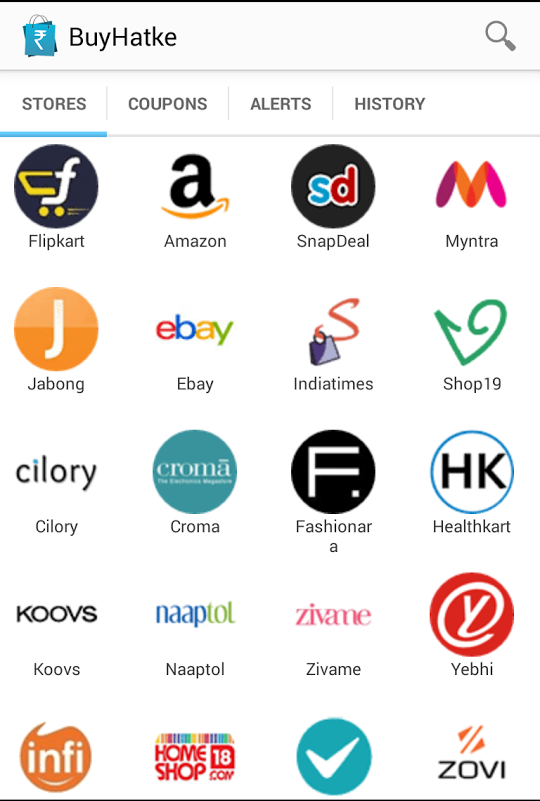
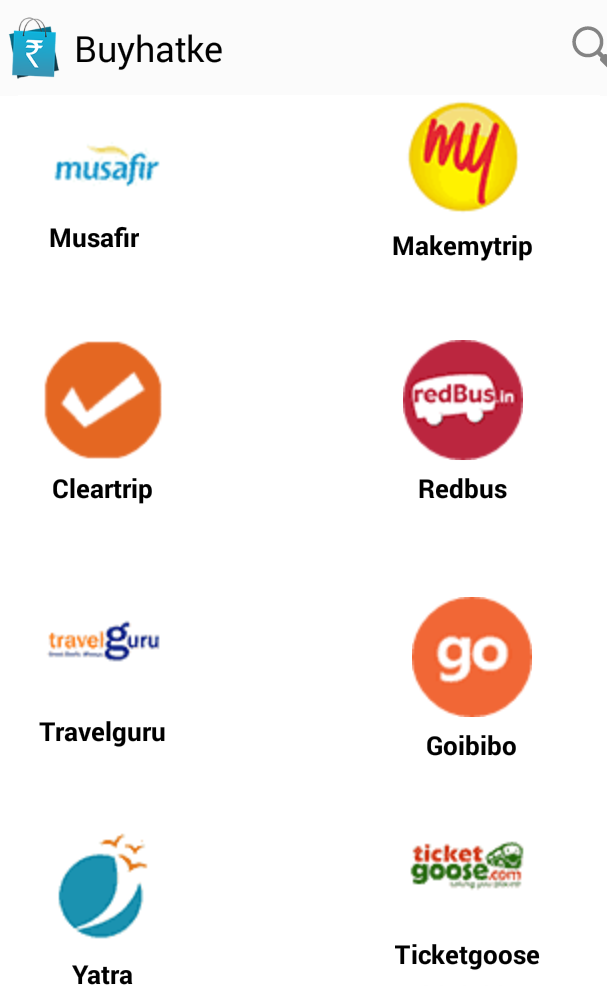

First
of all thanks for following our internet and recharge tips and tricks.
Today we am giving you the baap of all tricks. This trick is valid for
both Mobile and PC / Desktop. For Desktop users there is an innovative
Chrome addon and for Android users there is an awesome mobile app. This
trick would save you insane amount of money whenever you do any kind of
activity regarding shopping from various online portals like Flipkart,
Snapdeal, Amazon, etc and also you can get a chance to earn free mobile
recharge [tricks].
- It may be shopping online
- Or by doing a recharge
- Or by probably ordering food
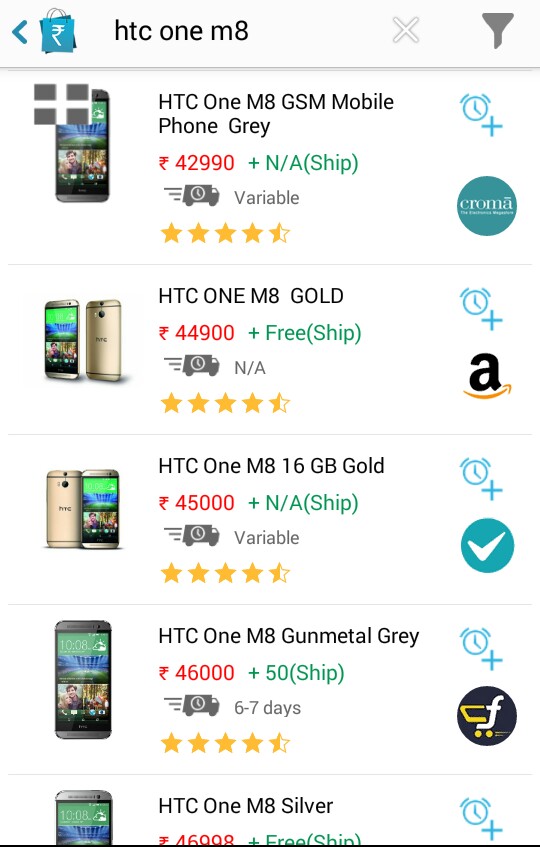
- You name it. And there is this amazing thing that has your back covered. It would give you Price comparison from 300 shopping sites
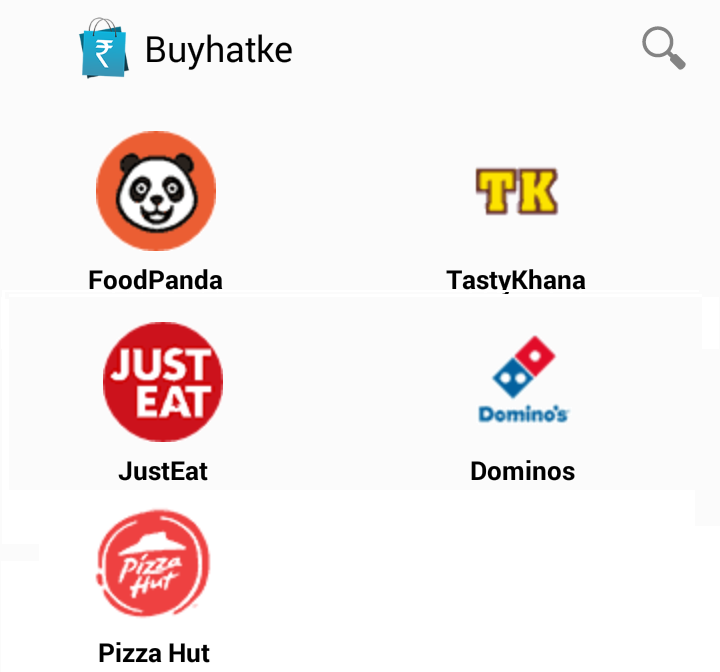
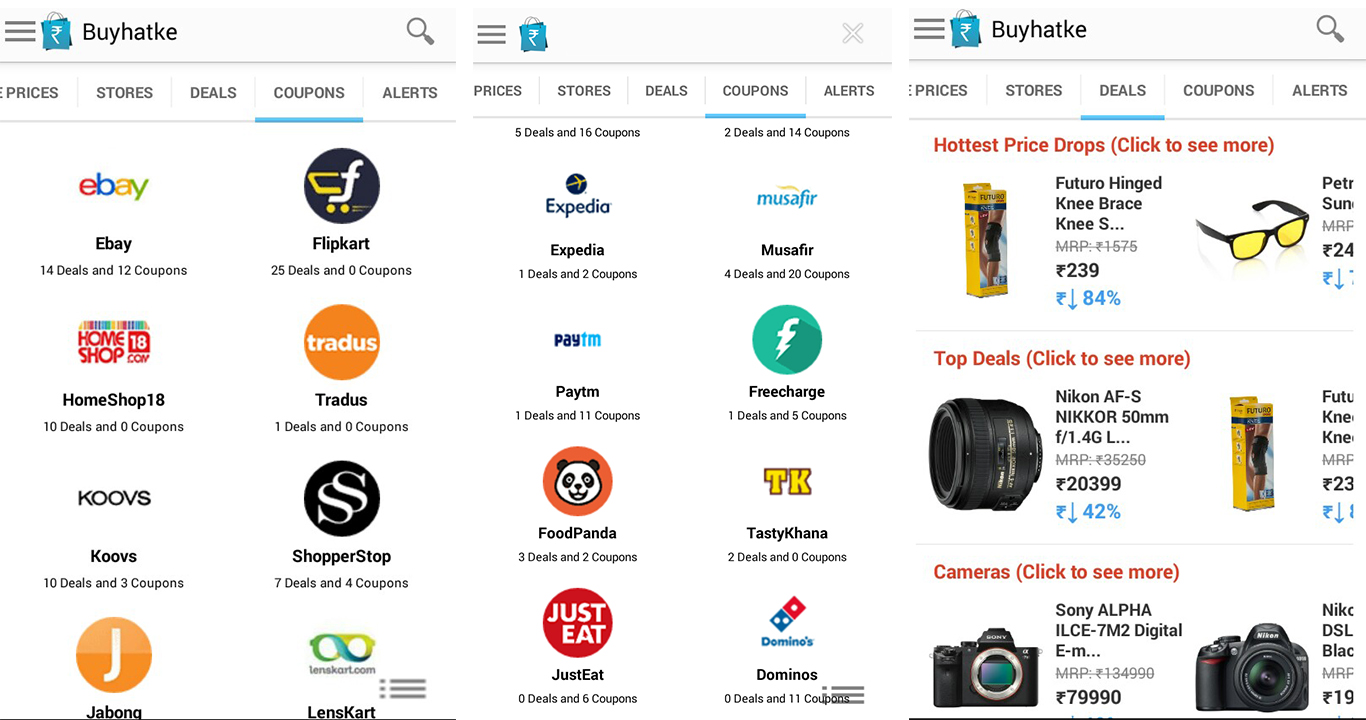
- Coupons and deals from all important sites from online shopping to travel to fooding recharge to ticket booking
- Some crazy exclusive offers which you have never seen before - like a branded t shirt for Rs 9. And that too with free shipping
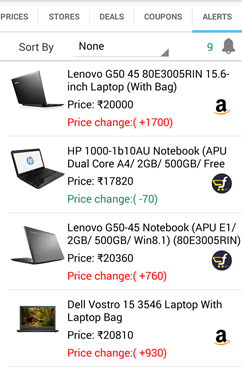
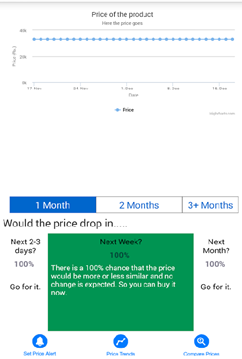
- Price drop alerts for any product you wish for
- Price trend telling you when is the price lowest and when should you buy it.
You might be thinking where is the end. Yeah :D This app is packed with
lots of exciting features. Now you might be curious about what is the
trick. So here it is the buyhatke mobile app. Called as a must have app even by the Times of India.
Just get this app on your phone and you can get rid of any shopping app that you have. This app would take care of that. And help you save tons of money. They have saved over 100 crores for the users via their amazing chrome extension and for superb users like you.
You can Also Win recharges For sharing the app,it is very easy process of sharing.
Just get this app on your phone and you can get rid of any shopping app that you have. This app would take care of that. And help you save tons of money. They have saved over 100 crores for the users via their amazing chrome extension and for superb users like you.
So what are you waiting for ?
and start saving tons of money.
You can Also Win recharges For sharing the app,it is very easy process of sharing.
How You Get The Free Recharge from sharing :-
- First Install Buyhatke app from Click Here (3.6Mb)
- Now you would see three line kind of symbol on the top. Click on it, now you would see the promotions tab as shown in picture two.
- After clicking on the promotion option you would be taken to a new page like the one given below
- You can see the terms and conditions, how it works, referral statistics and refer option there.
- From the refer option refer to your friends via different channels. Whatsapp, facebook, twitter, mail are the most effective channels.
- As your friends join you can see the referral stats by clicking on the referral stats option from the side bar.
- Once from your referrals if five of them install the app and that gets reflected in the referral stats Now go to Live support in menu tab and tell Your mobile number to buyhatke customer support ,your recharge done within few hours.
Subscribe to:
Posts
(
Atom
)